Bambu Studio Verified

by obvert

0 v1.0.0

About This Plugin

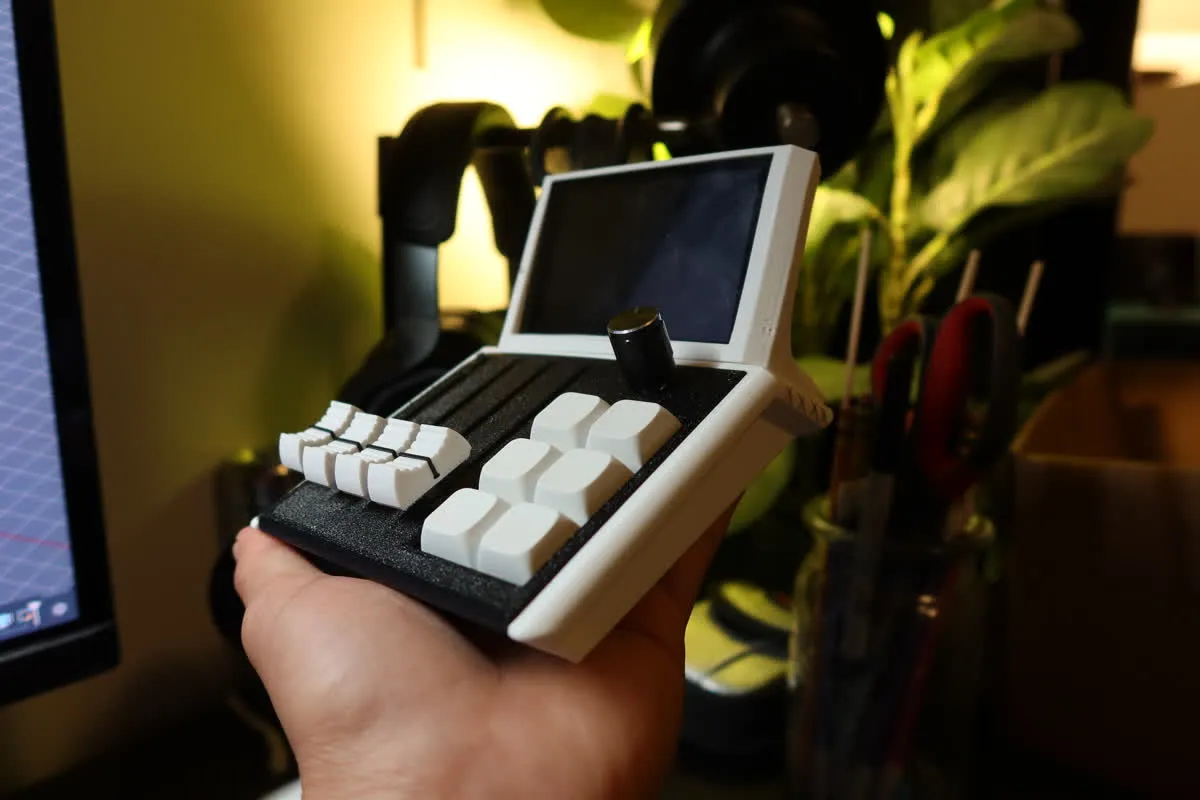
Control Bambu Studio directly from your Mixlar Mix device. This plugin maps over 50 keyboard shortcuts across six categories: File operations (new,
open, save, import, export, slice, print), Edit tools (cut, copy, paste, undo, redo, select/deselect), Camera views (top, bottom, front, behind, left,
right, default), Prepare actions (arrange, auto orient, nudge objects in 1mm or 10mm increments), Gizmo tools (move, scale, rotate, cut, place face on
bed, SLA supports, paint-on seam), and quick Filament switching (filaments 1–9). Each action is organized into tabbed groups for easy macro assignment.
Supports configurable key press delay and optional auto-focus to bring Bambu Studio to the foreground before sending shortcuts.

Installation & Setup

Installation Guide:
1. Install the plugin from the Mixlar marketplace or place bambu_studio.py in your plugins folder
2. Restart Mixlar Control
3. Go to Settings > Plugins and enable Bambu Studio
4. Open Bambu Studio before triggering macros
5. Optionally enable "Auto-focus" in the plugin settings to automatically bring Bambu Studio to the foreground when a macro fires
0.0

0 reviews

5
0
4
0
3
0
2
0
1
0

No reviews yet. Be the first to review this plugin!

Version History

No changelog available for this plugin.

Support & FAQ

No FAQ available. Please contact the developer for support.