Govee Light Verified

by Mixlar

0 v1.0.0

About This Plugin

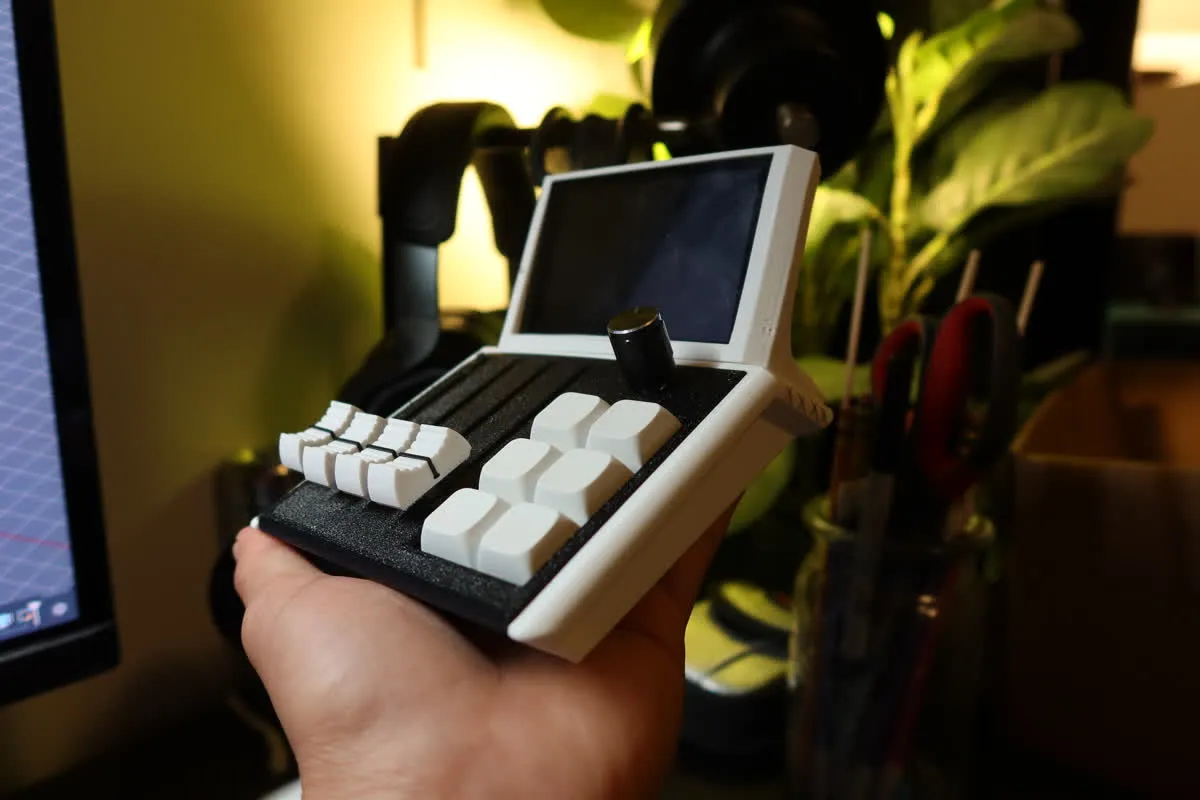
Control your Govee smart lights directly from your Mixlar Mix device. Use a slider to adjust brightness in real time and macro buttons to toggle lights
on and off. Supports automatic device discovery through the Govee LAN API — no cloud connection needed for local control. Configure which light to
control from the plugin settings panel. Works with any Govee LED strip, bulb, or fixture that supports the Govee LAN API.

Installation & Setup

Installation Guide:
1. Open the Govee Home app on your phone
2. Go to your light's device settings (gear icon) and enable "LAN Control"
3. Request a free Govee API key at https://developer.govee.com if you haven't already
4. Install the plugin from the Mixlar marketplace or place govee_light.py in your plugins folder
5. Restart Mixlar Control
6. Go to Settings > Plugins, click the gear icon on Govee Light
7. Enter your Govee API key and select your device from the dropdown
8. Assign brightness to a slider and on/off to macro buttons from the mixer page
0.0

0 reviews

5
0
4
0
3
0
2
0
1
0

No reviews yet. Be the first to review this plugin!

Version History

No changelog available for this plugin.

Support & FAQ

No FAQ available. Please contact the developer for support.