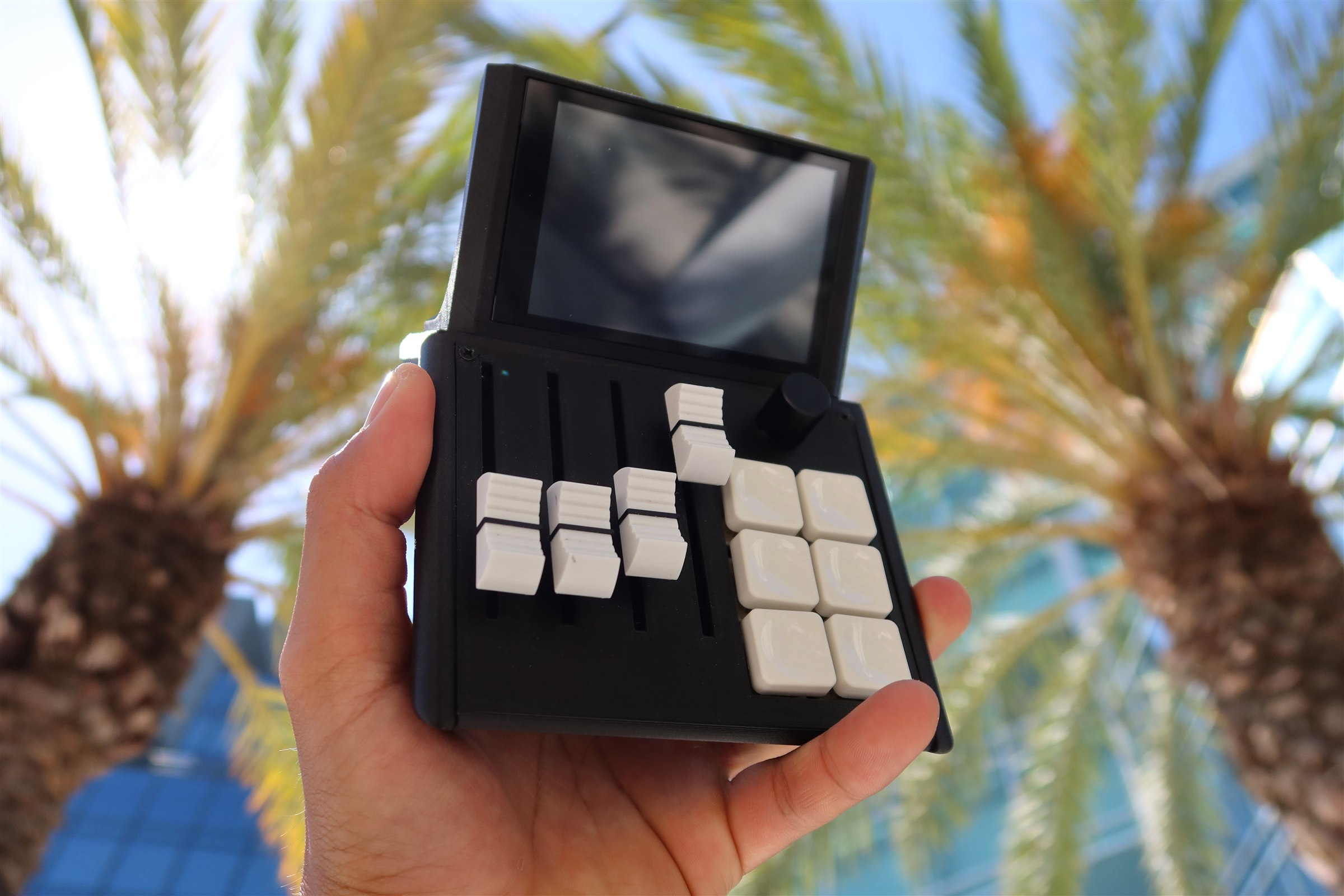
Mixlar
M1X
Desktop Controller
Founder's Edition
- Exclusive keycap set included
- Free US shipping
- 1-hour early Kickstarter access
$99
First 100
Retail
- Standard pricing post-campaign
- No early access perks
- Shipping at cost
$179
After launch
$5 Deposit Due Today
Fully Refundable
Kickstarter launches 2026


