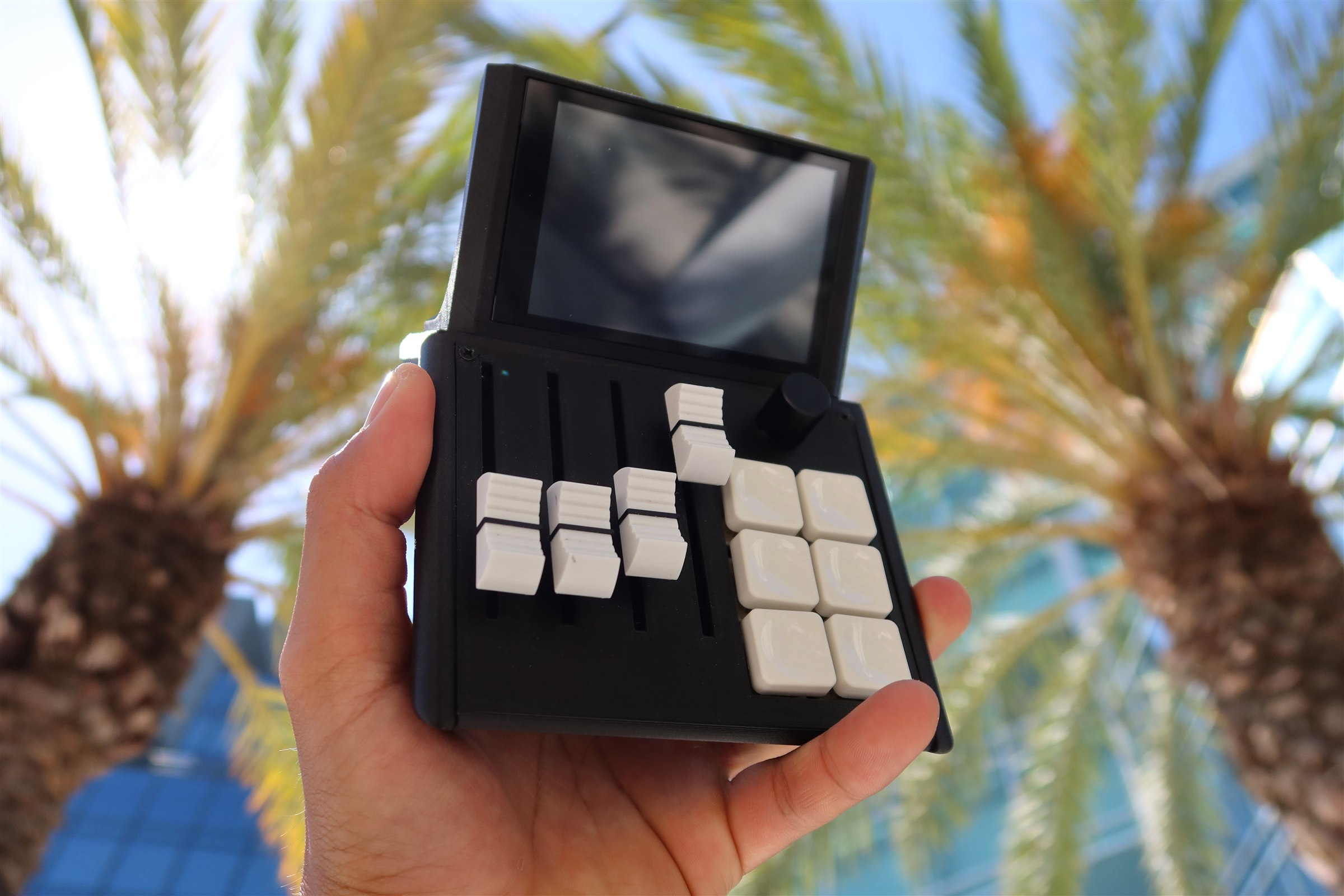
Everything for your M1X.
Software, documentation, and setup guides for the Mixlar M1X. Everything on this page is real and current.
Get Mixlar One ↓
01 — Software
Software
Mixlar One — the companion app. One install, every feature. Latest is v5.1.0, released Jul 23, 2026. Pick your machine:
Intel Mac · x86_64
macOS ‡
macOS 12 Monterey or later
- v5.1 · 72 MB · Intel build (x86_64)
- USB-C required · fully offline capable
- First public build — expect rough edges
x64 · portable (.zip)
Windows †
Windows 10 (1903) or later
- v5.1 · 79 MB, portable — unzip and run
- USB-C required · fully offline capable
- No account or subscription needed
x64 · portable (.tar.gz)
Linux §
Ubuntu 20.04+ / Fedora 35+
- v5.1 · 119 MB · x64 tar.gz
- USB-C required · fully offline capable
- Beta — still very rough, thanks for testing
† Windows 10 (1903) or later ‡ macOS 12 Monterey or later § Ubuntu 20.04+, Fedora 35+, or equivalent — beta, still very rough
✱ Every build: USB-C required · ~45 MB · no account, no subscription · fully offline capable · open, auditable plugins
02 — What's in the app
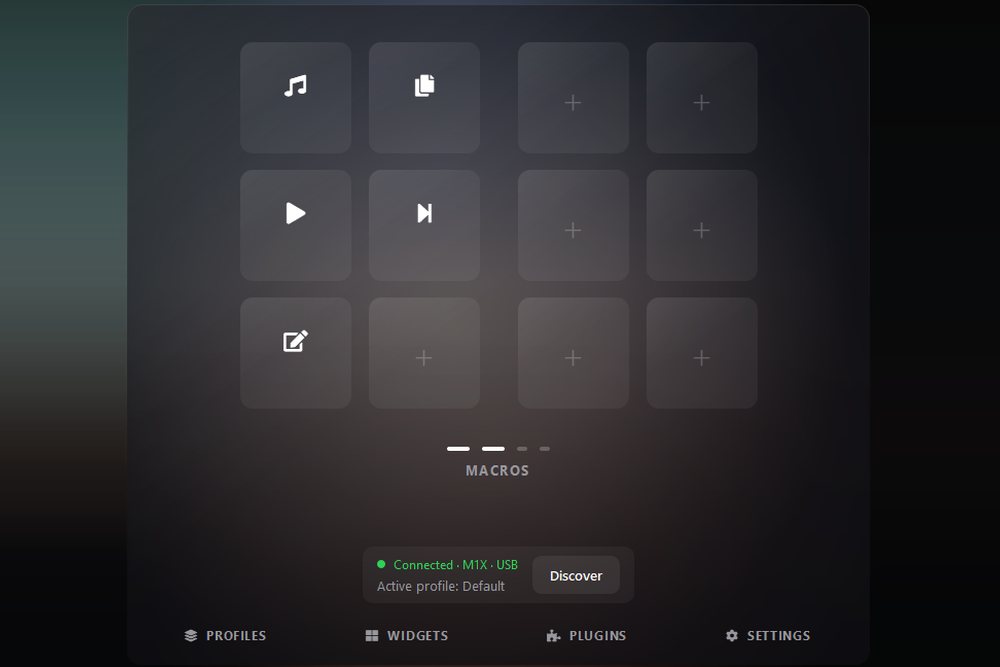
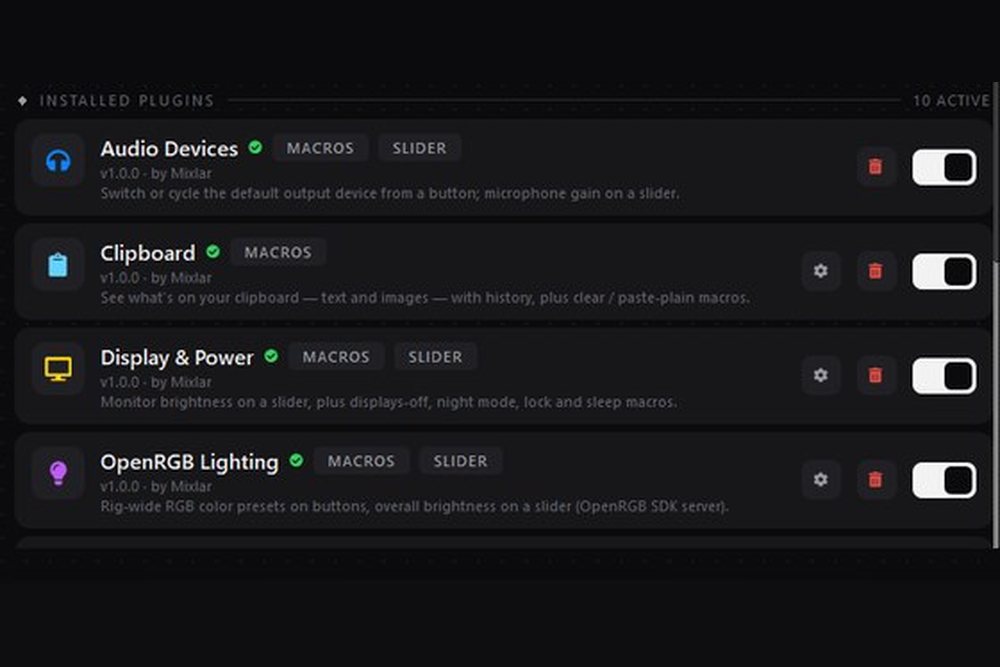
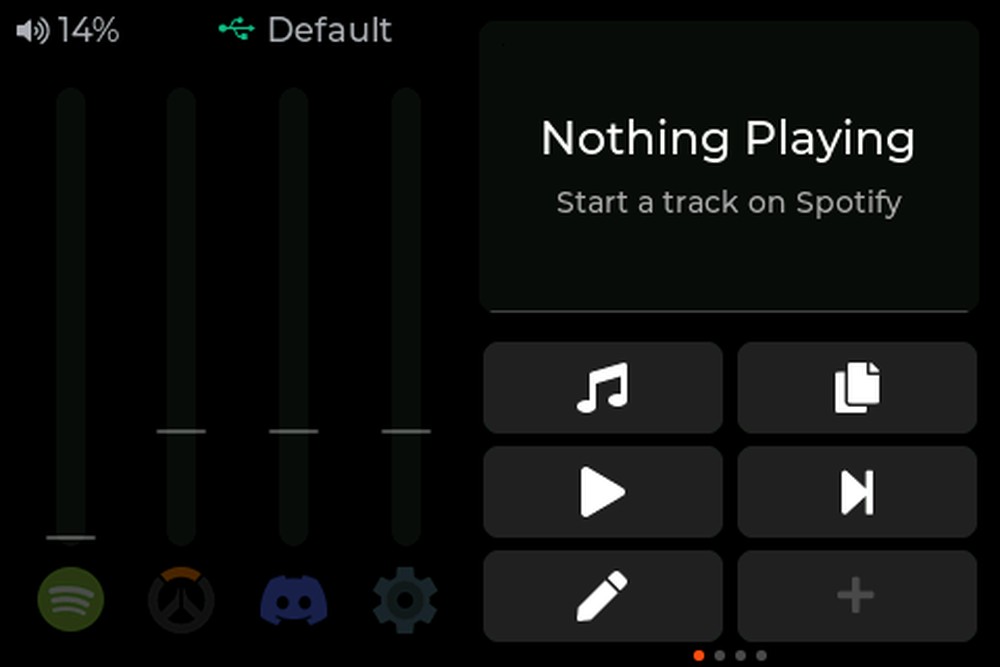
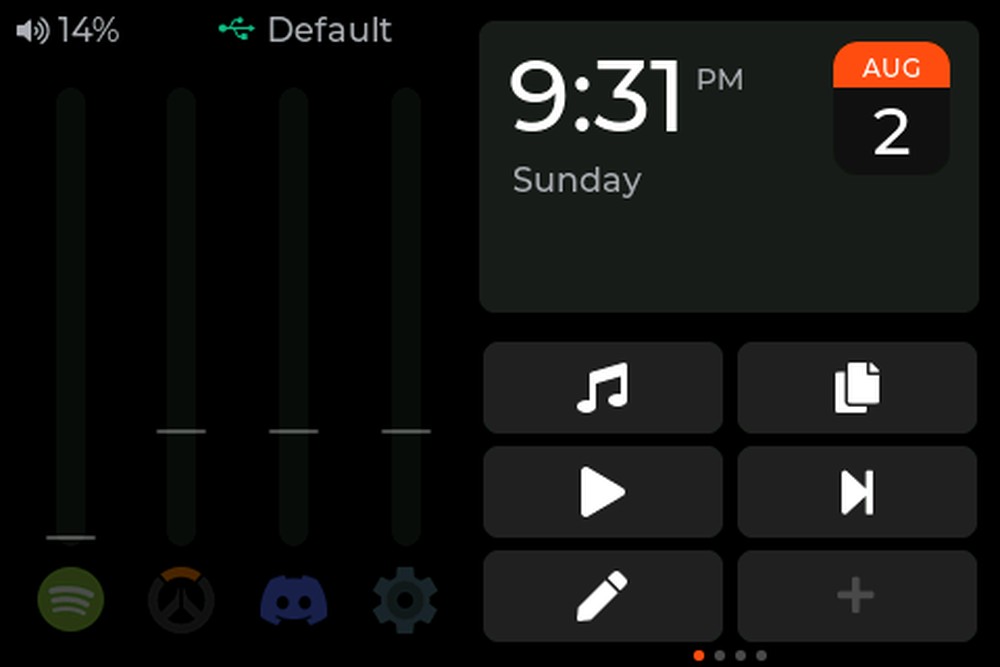
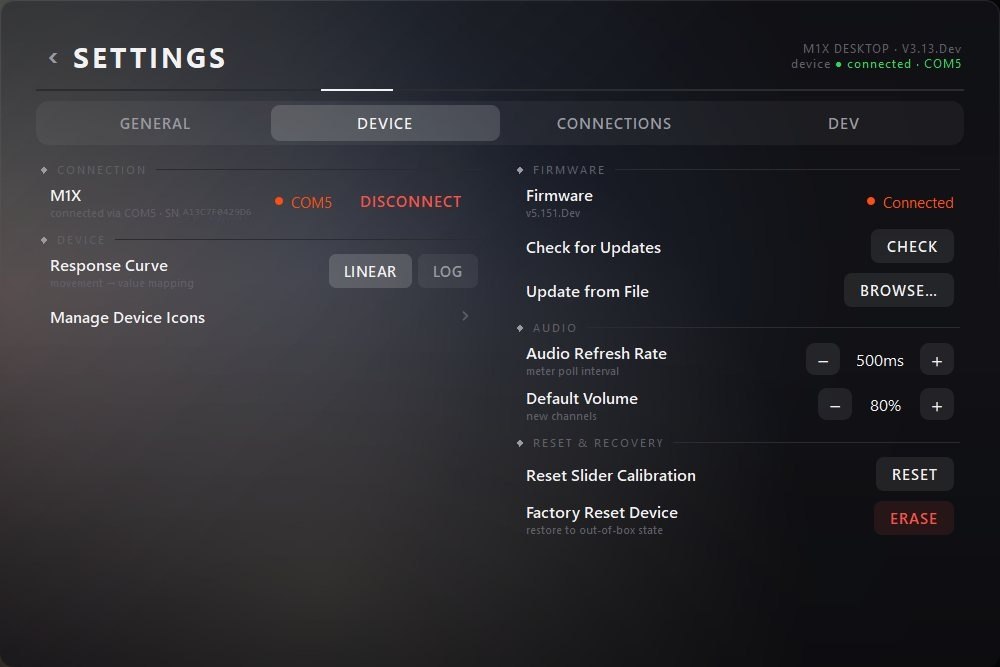
What's in the app
03 — Documentation
Documentation
Chapter 01
Set up your device
Unbox, connect over USB-C, install Mixlar One, assign your first macro, and link your services.
Chapter 02
Learn Mixlar One
Software docs, video walkthroughs, and tutorials for the companion app and visual editor.
Chapter 03
Connect services
Integration guides for Spotify, Discord, OBS, Home Assistant, and every supported service.
Don't have an M1X yet?
Reserve yours and lock in launch pricing before the Kickstarter goes live. $5 deposit, fully refundable.