Everything you keep checking, already on screen.
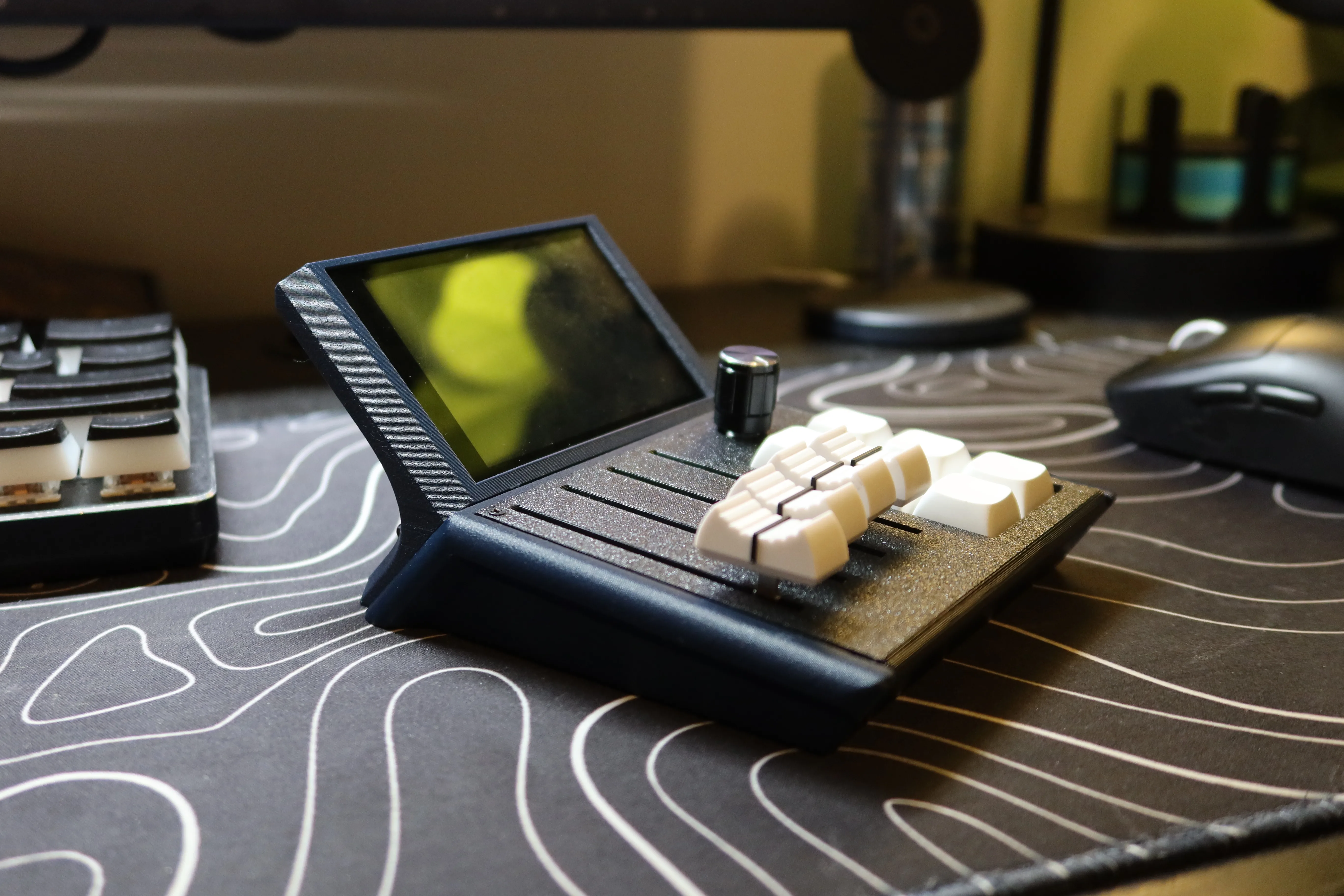
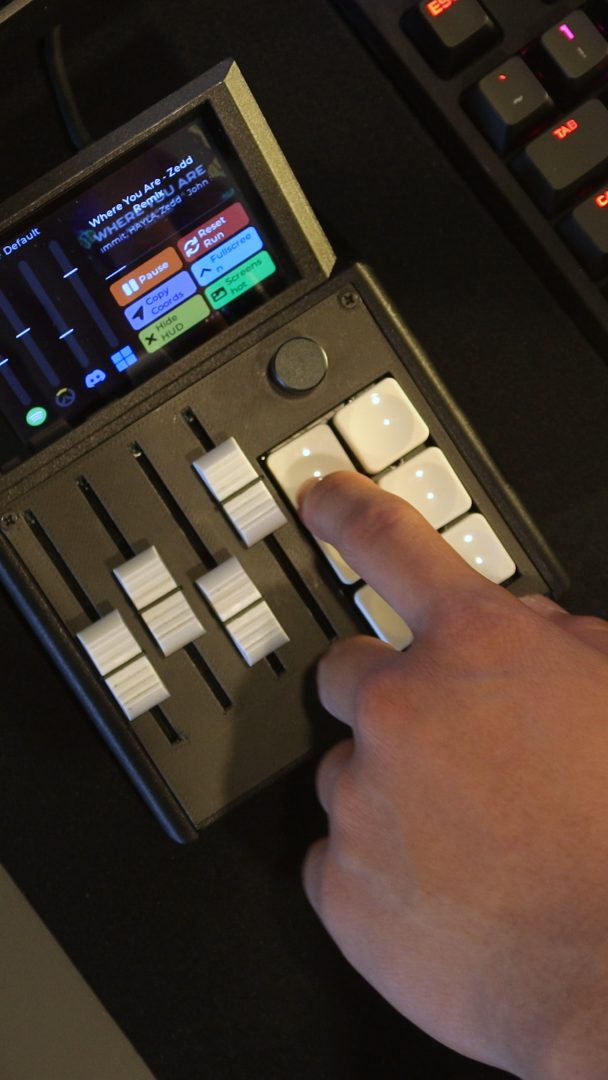
Layer 214 of 300. CI passed. Your queue popped. Live on the M1X, so you stop alt-tabbing to look.
No plugin matches that.
Set it up once, on every machine.
Sign in and your plugins and setups follow you to any PC running the Mixlar app. You do not need an account to install anything.
Four desks it already lives on.
Streaming and calls
Mute without hunting for a hotkey, watch a stream go live, and see who is talking while the call is full screen.
See all streaming and calls pluginsWriting code
Pull requests, failing runs, and on-call pages land on the screen instead of in another browser tab.
Printing and making
Layer progress, nozzle and bed temperatures, and a slice-and-send button, without walking back to the machine.
See all printing and making pluginsLights and media
Lights, media, and the small things you reach for all day, on a knob and six keys.
Spotify
Now-playing track, album art and transport controls on the device.
Mixlar
Twitch
Is your favorite streamer live? A glance at your channel or one you follow.
MixlarZoom
Zoom in-meeting status + controls on the deck: live meeting timer, mic/cam state and Mute/Video/Leave buttons.
Mixlar
GitHub
Your dev pulse on the deck.
MixlarClaude Code
Live Claude Code rate-limit usage (5-hour session + 7-day week) on the device, plus remote Approve/Deny for Claude Code tool calls. Reads your local Claude Code OAuth login.
Mixlar
Home Assistant
Control a room from the deck.
MixlarPhilips Hue
Your Philips Hue room on the deck.
Mixlar
Bambu Printer
Your Bambu Lab printer on the deck.
MixlarTeams & Google Meet
Microsoft Teams or Google Meet on the deck: in-call status, live timer, mic/cam state and Mute/Video/Leave buttons.
MixlarAudio Devices
Switch or cycle the default output device from a button; microphone gain on a slider.
MixlarSystem Stats
Live CPU and RAM usage on the device, read from this PC (psutil). A v2-plugin take on the built-in Stats widget.
MixlarVoiceMod & Soundboard
A 6-pad soundboard plus voice-changer and mic-mute toggles for Voicemod.
MixlarA few we like. See all 49.
If we have not checked it, it does not run.
Every download is checked against the file we published, and anything that does not match is refused rather than flagged. A plugin also has to ask before it can reach your network, read your keyboard or run anything on your machine.
- Checked on install, before any of its code runs
- Blocked by default if it does not match
- Asks first for anything sensitive
Make something for your own desk.
A plugin is a folder: a little JSON and a Python file. Draw a live tile on the screen, put a value on a fader, or give one of the six keys something to do.
Drop the folder in while the app is running and it loads straight away. No restart.